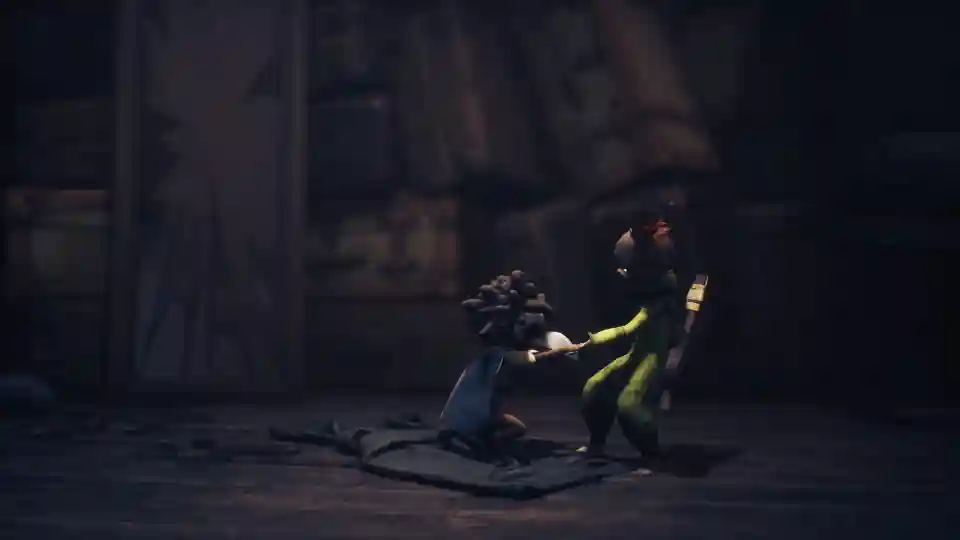
Little Nightmares 3: Complete Controls Guide (PC & Controller)
Our complete guide to the controls for Little Nightmares 3. We’ve got a full breakdown of all the default keyboard, mouse, and controller keybindings so you can master the game’s mechanics from day one.
A Complete Guide to Keyboard and Controller Mappings
Mastering the Controls of Little Nightmares 3
Welcome to the Nowhere! To survive the twisted world of Little Nightmares 3, you’ll need to master the controls for both Low and Alone. Knowing how to run, jump, grab, and use your unique tools is the key to solving puzzles and escaping the terrors that await.
This guide is broken down into two sections: one for PC players using a keyboard and mouse, and one for console players using a gamepad. Let’s get into it.
PC Keyboard and Mouse Controls
If you’re playing on PC, here is the complete list of default keybindings. Note the classic WASD for movement but Arrow Keys for camera control.
Movement & Camera
| Action | Default Key |
| Move Forward / Backward / Left / Right | W / S / A / D |
| Look Up / Down / Left / Right | Arrow Keys |
Actions & Items
| Action | Default Key |
| Jump / Throw | Space |
| Crouch / Slide | Left Ctrl |
| Sprint | Left Shift |
| Grab | Right Mouse Button |
| Call (to partner) | Q |
| Equip Flashlight / Umbrella | E |
| Equip Bow / Wrench | F |
| Use Bow / Wrench | Left Mouse Button |
Gamepad / Controller Controls
For those playing with a controller, the layout is intuitive and uses all the standard buttons you’d expect. The mappings below are based on an Xbox controller, with the common PlayStation equivalents listed as well.
| Action | Xbox Controller | PlayStation Controller |
| Move | Left Stick | Left Stick |
| Look Around | Right Stick | Right Stick |
| Jump / Throw | A | X (Cross) |
| Crouch / Slide | LT | L2 |
| Sprint | X | Square (☐) |
| Grab | RT | R2 |
| Use Bow / Wrench | RT | R2 |
| Call (to partner) | Y | Triangle (△) |
| Equip Bow / Wrench | B | Circle (◯) |
| Equip Flashlight / Umbrella | Right Stick Click (RS) | R3 |
Key Control Mechanics Explained
Some of the controls in Little Nightmares 3 are context-sensitive, so it’s good to know how they work in different situations.
Grab vs. Use Tool (Controller): You’ll notice on a controller that both Grab and Use Bow / Wrench are mapped to the same button (RT / R2). This is your main “action” button. It will perform a Grab when you’re near a ledge, pushable object, or your partner’s hand. When you have your bow or wrench equipped, it will instead Use that tool.
PC Camera Controls: A quick heads-up for PC players: the default camera control is mapped to the Arrow Keys, not the mouse. This is a very old-school design choice that might feel strange at first. Be prepared to either get used to it or head into the settings to see if you can remap it to something more comfortable.
Now that you’ve got the controls down, you’re ready to team up and face whatever the Nowhere throws at you. Good luck, and don’t let the nightmares get you!