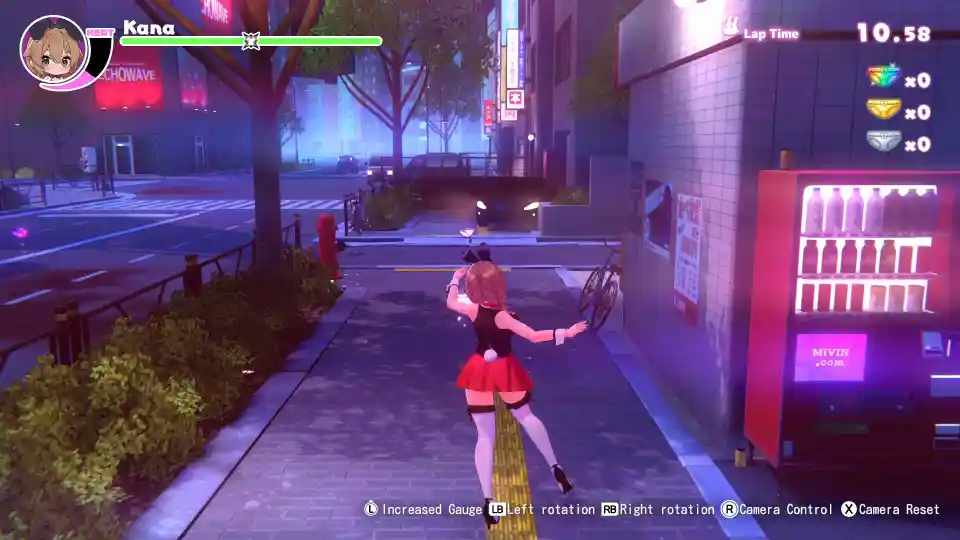
Merry Bunny Garden: Sensitivity Mode Explained
Confused about the “Sensitivity Mode” ON/OFF setting in MERRY BUNNY GARDEN? Our guide explains what each option does and manages expectations about the game’s censorship.
An Explanation of the ‘Sensitivity Mode’ Setting.
What is ‘Sensitivity Mode’?
When you first dive into the settings for MERRY BUNNY GARDEN, one of the most prominent options you’ll find is the “Sensitivity Mode” toggle. The game doesn’t do a great job of explaining what this actually does, leaving many players wondering which option is the “right” one.
This setting is essentially a content filter that allows you to choose between two different levels of visual presentation for the game’s more “sensitive” scenes. Understanding what each option does is key to tailoring the experience to your preference.
Sensitivity Mode: ON vs. OFF
The labeling for this setting can be a bit counterintuitive. Here’s a simple breakdown of what each option actually means so you can make an informed choice.
| Setting | Effect | Best For |
| Sensitivity Mode: ON | Less Sensitive | This is the more toned-down version of the game. It increases the level of censorship. |
| Sensitivity Mode: OFF (Default) | More Sensitive | This is the standard, default experience. It reduces the level of censorship for a more explicit presentation. |
In short, if you want the standard experience, you’ll want to turn the mode OFF. If you want a more censored version, you’ll turn it ON.
A Critical Note on Censorship
This is the most important thing to understand about this setting: neither option completely removes the game’s censorship.
Based on player reports, even with Sensitivity Mode set to OFF (the “more sensitive” option), the game’s key scenes still feature heavy censorship, often in the form of a “massive beam of light” obscuring the view.
Therefore, you should think of this setting not as an on/off switch for censorship, but as a toggle between “heavily censored” (ON) and “standard censored” (OFF).
Which Mode Should You Choose?
So, which option is right for you? It really comes down to personal preference and how you plan to play the game.
Choose Sensitivity Mode ON if: You are a streamer or content creator and want to show the game with the lowest possible risk of violating platform terms of service. Be warned, however, that even this mode may not be “safe” for all platforms.
Choose Sensitivity Mode OFF if: You are playing for yourself and want to experience the game as the developers intended, with its standard level of content and presentation.
That’s the full breakdown of the “Sensitivity Mode” in MERRY BUNNY GARDEN. Now you know exactly what the setting does and can choose the option that best fits how you want to play. GG!