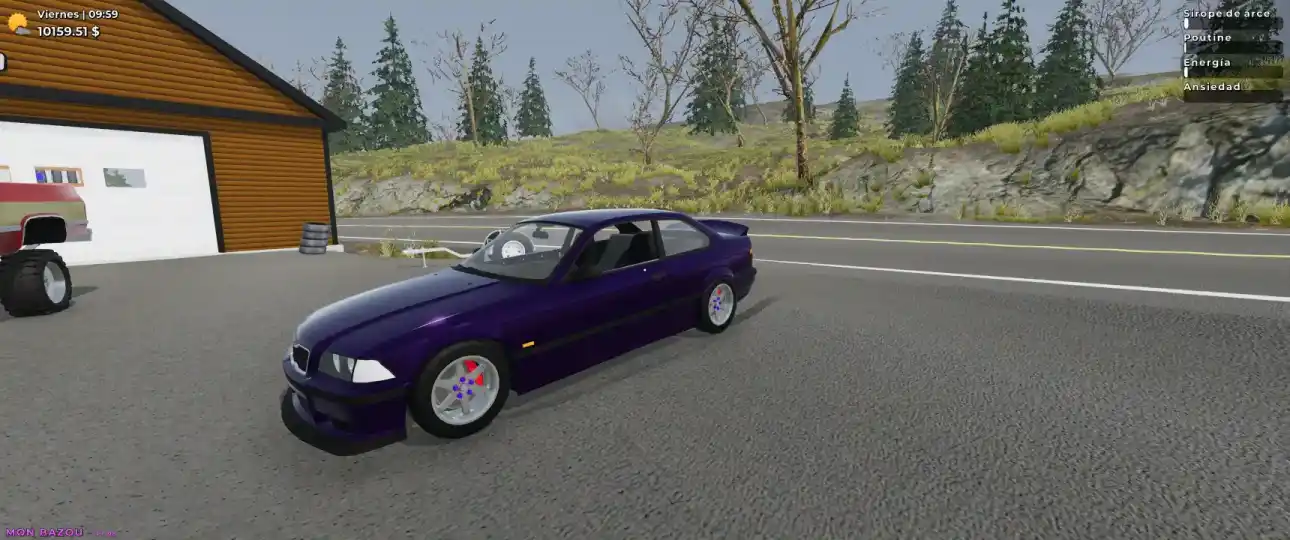
Mon Bazou- How to Add Custom Music (Spotify Guide)
Driving around East Canada is relaxing, but it’s even better with your own soundtrack. If you want to replace the default radio tracks with your personal Spotify playlist, follow these simple steps to import your music files directly into the game.
Step 1: Locate the Game Folder
First, you need to find where Mon Bazou stores its save data and custom files.
- Press Windows Key + R on your keyboard to open the “Run” dialog box.
- Paste the following code into the box and hit Enter:
%APPDATA%\..\LocalLow\Santa Goat\Mon Bazou - Keep this folder open; you will need it in a minute.
Step 2: Download Your Spotify Playlist
Since the game plays local audio files (MP3s), you need to convert your Spotify playlist into files.
- Go to [suspicious link removed] (or any similar Spotify downloader tool).
- Paste the link to your desired Spotify playlist.
- Click Download and save the ZIP file to your computer.
Step 3: Install the Music
This is the most important step. If you don’t name the folder correctly, the game won’t see the music.
- Take the ZIP file you just downloaded and move it into the Mon Bazou folder you opened in Step 1.
- Unzip (extract) the files.
- Crucial: Rename the folder containing your music files to
CDPlayer.- Note: Ensure the MP3 files are directly inside the
CDPlayerfolder, not inside a sub-folder.
- Note: Ensure the MP3 files are directly inside the
Step 4: Load and Play
- Launch Mon Bazou.
- In the main menu, press Load.
- Once in-game, turn on your car radio or CD player. Your custom tracks should now be playing!
Happy driving!