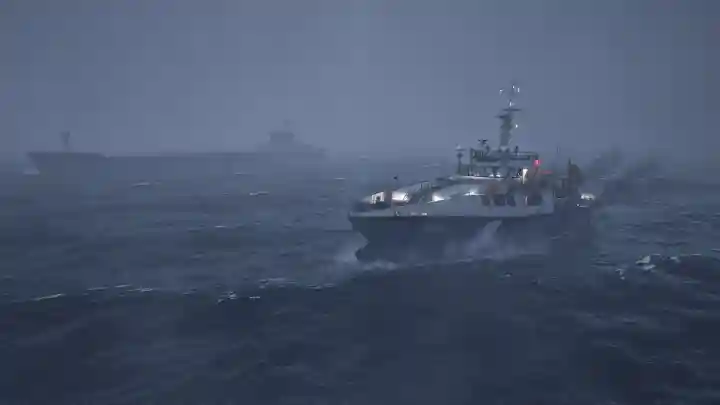
Seafarer: The Ship Sim – How to Tow the Stricken Ship in Chapter 1
Stuck on the first towing mission in Seafarer: The Ship Sim? This guide breaks down the simple steps to stop your tow rope from snapping, including proper tug positioning and using the correct connector.
The struggle is real with the first big mission in Seafarer: The Ship Sim. You’re tasked with towing a stranded ship back to the harbour, but no matter how careful you are, the tow rope keeps snapping. It’s a super common issue.
If you’re getting frustrated, don’t sweat it. The solution is actually pretty simple and comes straight from the developers. It’s all about your setup before you even start to pull.
The Problem: Why Your Tow Rope Keeps Snapping
The most common mistake is connecting the rope while your tug is facing the ship you need to rescue. You attach the line, winch it tight, and then try to make a full turn to head for the harbour.
The moment you turn, the sharp angle puts way too much stress on the rope, and snap—it breaks instantly. Your powerful tug is working against the line instead of with it.
The Solution: A Simple 3-Step Setup
To avoid this, you just need to do things in the right order. A little prep work makes all the difference and will stop the rope from breaking every single time.
Step 1: Position Your Tug Correctly FIRST
This is the most important step and the one most people miss. Before you even think about attaching the rope, get your tugboat into the correct position.
You need to be facing the direction you’re going to be towing—towards the harbour entrance, away from the stricken ship. The ship you’re rescuing should be directly behind you. This way, all you have to do is move forward. No turning needed.
Step 2: Use the Aft Connector
The connection point on your own ship is super important. Your tug has multiple winches and connectors, but only one is meant for heavy towing like this.
Make sure you are attaching the tow rope to the aft connector, which is at the rear of your vessel. If you connect it to a winch at the front (the bow), it’s not designed for that kind of pull and will contribute to the rope snapping when you move.
Step 3: Fasten the Rope from the Bridge
After you’ve connected the messenger line and winched the main rope so it’s tight, there’s one last crucial step that’s easy to forget.
You need to head up to your tug’s bridge and use the controls there to “fasten” or “lock” the rope in place. This fully secures the line and ensures it’s ready for the heavy pull ahead. If you miss this step, the connection might not hold under pressure.
Quick Troubleshooting Guide
Still having issues? Here’s a quick-glance table to make sure you’ve got all the steps covered.
| Problem | Solution |
| Rope snaps when I turn my tug. | Position your tug facing the destination before you tighten the rope. |
| The pull feels awkward or weak. | Make sure you’re using the aft (rear) connector, not one at the front. |
| The rope seems to disconnect. | Don’t forget to fasten the rope using the bridge controls after winching. |