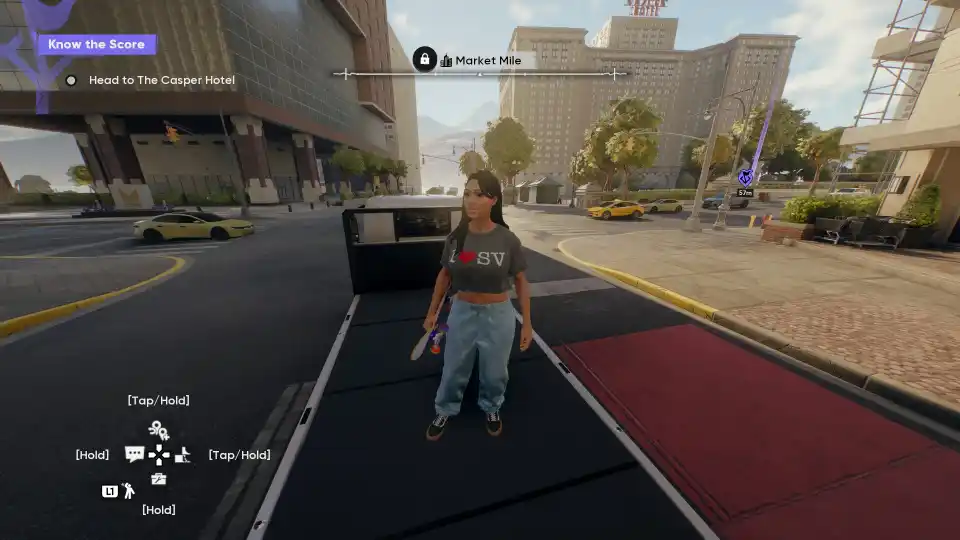
skate. – How to Fix Crashing and Disconnects
Fix crashing, infinite loading, and disconnect issues in Skate with these simple launch options and in-game settings. This guide also offers performance tips to help you balance CPU and GPU load for a smoother experience.
Crashing Fix + Disconnects Fix + Tips
For anyone having crashing and disconnect issues (especially infinite loading + crashing during tutorial):
- Add “-dx11 -d3d11” to launch options (without quotes) to fix crashing.
- Turn off crossplay as soon as possible to fix disconnects (you can open the menu by hitting ESC, or start on a controller, if you are at the “snowy hills with nothing loaded in” screen).
- (Optional) Keep the EA app open and logged in in the background (this probably doesn’t do anything, but at this point, it’s becoming one of those campfire legends where you just do it to not upset the gods).
- (Optional) PRO TIP: Reducing the game graphics to minimum switches it completely to the CPU, so KEEP TASK MANAGER OPEN ON THE GPU TAB AND WATCH DEDICATED VRAM AND THE USAGE STATS TO BALANCE THE LOAD BETWEEN GPU AND CPU. DO NOT JUST LOWER EVERYTHING. Some games are like this, where they offload stuff to the CPU, etc., and the whole point is that if you’re on a ♥♥♥♥♥♥ laptop with a fantastic CPU and no GPU, you aren’t stuck having to use an integrated GPU for everything. But if you’re on a gaming PC, even just an “okay” one, you absolutely do not need to lower everything to a minimum.
- (Optional) PRO TIP 2: The game barely requires any VRAM, by the way. The high preset only took a few GB for me, as in less than 6, so keep that in mind too. You won’t need a GPU with tons of VRAM. (Plus, if you have a bit too little VRAM, just turn off hardware acceleration everywhere to save more – Spotify, Steam, Chrome, Edge, Firefox, Opera, Brave, Discord, DAWs if you’re a musician, the ♥♥♥♥♥♥♥ calculator and notepad apps for some reason – they all use hardware acceleration, which takes up VRAM. My suggestion for your browser app would be to just turn off any background activity setting, then close it to play the game, by the way, since a lot of websites are pretty horrendous to use with hardware acceleration turned off.) (I’m almost willing to bet the Discord and Steam in-game overlays also take up VRAM, by the way).
A Note on the Game’s Status
Last but absolutely not least: REMEMBER THAT THE GAME IS ♥♥♥♥♥♥♥ FREE. This is EA we’re talking about here, guys. The fact they made the full game free and, most of all, fully playable without any money necessary for anything other than cosmetic stuff is insane. Again, it’s EA! This game is like if Elon Musk donated half his wealth to orphanages. Like, yes, he’s still ♥♥♥♥ for being part of the reason orphanages are necessary in the first place, but I’ll take the happy things I can get. (Joking here, by the way, but you get the point).
Also remember: the game is IN EARLY ACCESS TOO. AGAIN, THIS IS EA. Normally, I would expect a company like EA to release a game as a “FULL” game and have it be in a state WORSE than this. Yes, obviously, it’s silly to be kind to them just because they are usually far worse, but I really do think we need to be more willing to encourage ♥♥♥♥♥♥ companies when they do not-so-♥♥♥♥♥♥ things, because otherwise, what are we even here for?
For anyone wondering about the skate pass etc.: I wouldn’t have known it existed if it wasn’t for the reviews. The game doesn’t rub it in your face at all, and to the best of my knowledge, money doesn’t get you anything other than cosmetics in this game. And, well, honestly, it’s a free-to-play, non-competitive, casual, free-roam type of game. How else are they going to be able to monetize it? Donations? They picked the literally ONLY monetization option possible for a game like this that doesn’t make it pay-to-win.
By LiVeen