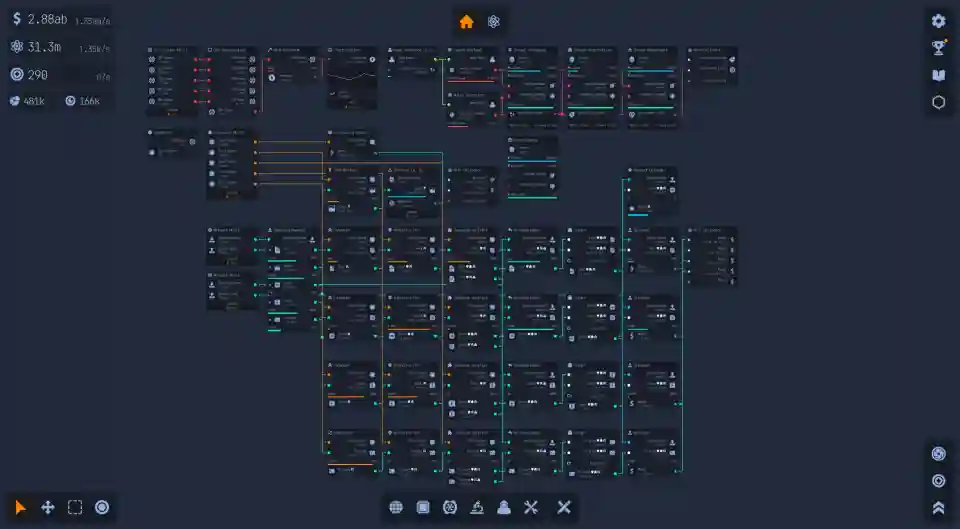
Upload Labs – A Guide to Connecting the Inject Trojan, Uploader, and Drain Nodes
Struggling to figure out how to generate Component Boosts in Upload Labs? This guide explains the three-node setup you need, using the Inject Trojan, Uploader, and Drain nodes to get the job done.
The Goal: Generating Component Boosts
So you’re trying to set up a production line to farm Component Boosts in Upload Labs. You’ve probably noticed the Drain node, which is supposed to generate this valuable resource, but getting it to actually work can be confusing.
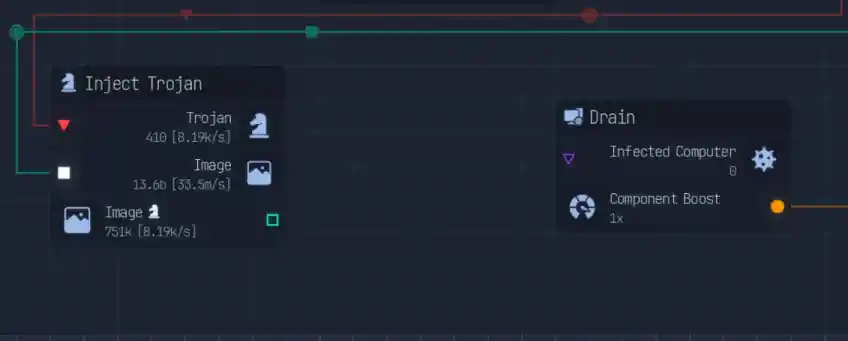
The Drain node is an output node, meaning it needs a specific type of input before it will start producing anything. Just placing it on your grid won’t do the trick; you need to feed it the right data stream.
Understanding the Trojan Production Line
The first part of the process involves creating a virus. This is done using the Inject Trojan node, which, as the name suggests, produces files infected with a Trojan.
This is where many players get stuck. It seems logical to connect the output of the Inject Trojan directly to the Drain node, but the game won’t let you. You’re missing a key piece of the puzzle.
The Missing Link: The UPLOADER Node
The intermediary node you need to make this all work is the UPLOADER. This is the crucial middle step that connects your virus creation to your resource draining.
The UPLOADER node is designed to take the infected file from the Inject Trojan as its input. Think of it as the node that actually “deploys” your virus onto a target.
Putting It All Together: The 3-Node Setup
Once you have all three nodes, you can create a simple and effective production line for Component Boosts.
Here is the exact step-by-step process:
- Place an Inject Trojan node. This will be the start of your chain, creating the infected files.
- Place an UPLOADER node on your grid.
- Connect the output from the Inject Trojan node to the input of the UPLOADER node.
- Finally, place your Drain node.
- Connect the output from the UPLOADER node to the input of the Drain node.
With this three-node chain complete, your Drain node will activate and begin generating a steady supply of Component Boosts.
Pro Tip: Don’t Forget the Money
Here’s a bonus tip that makes this setup even better. The UPLOADER node actually has a second output stream that’s easy to miss.
While one output goes to the Drain to produce boosts, the other output generates a steady stream of money. Make sure you connect this second output to a collector or your main data hub so you can bank that extra cash!
Quick Setup Table
For a quick visual reference, here is the complete production chain.
| Input Node | Middle Node | Output Node | Final Product |
| Inject Trojan | UPLOADER | Drain | Component Boosts (& Money from the Uploader) |