Upload Labs: How to Unlock and Use the Processor
Confused about how the Processor works in Upload Labs? This guide explains why you can only sell processing power at first and reveals the simple trick to finding the actual Processor and GPU nodes you’ve unlocked.
A Guide to Unlocking the Processor, GPU, and Virus Scanner.
The Big Confusion: Where is the Processor Node?
So you’ve been grinding away in Upload Labs, and you finally unlock the Processor in the upgrades menu. You go to your build screen to place it down, but the only new thing you can find is the Processing Seller. It’s a super common point of confusion.
This makes it seem impossible to progress. You might even have other upgrades unlocked, like the Virus Scanner, that clearly state they require processing power, but you have no actual Processor node to connect them to.
The Secret: You Need to Scroll Left
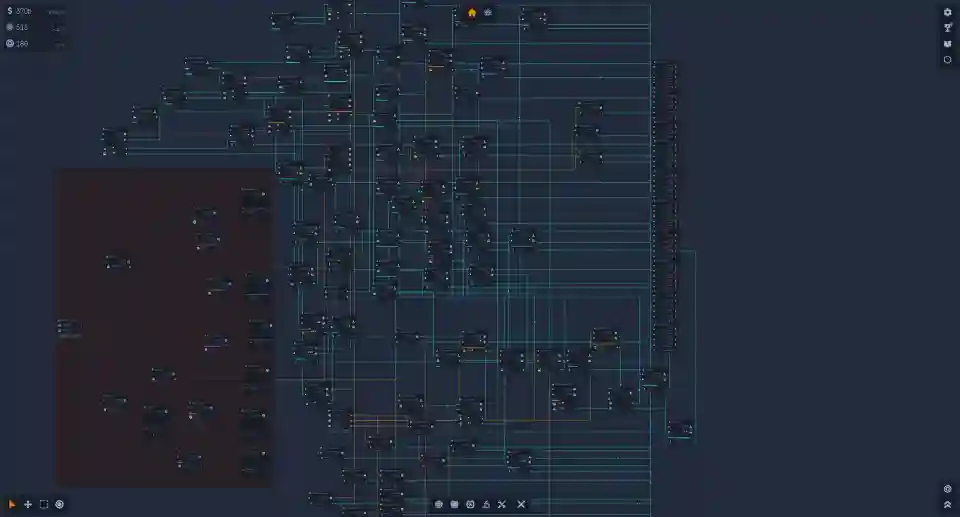
Here’s the solution that the game doesn’t tell you about, and it’s a total facepalm moment once you realize it. The build menu at the bottom of the screen, where you select your nodes, is scrollable.
All of your basic starting nodes are on the right side of the menu. When you unlock more advanced components like the actual Processor and GPU, they appear off-screen to the left.
To find them, simply move your mouse over the build menu and use your scroll wheel, or click and drag it to the right, to reveal the hidden nodes on the left side.
The Gameplay Loop: From Selling Power to Using It
Now that you can actually find your unlocked nodes, it’s important to understand the game’s progression. Unlocking the Processor is a two-step process for making real progress.
Step 1: Make Money: When you first get the Processor, its main purpose is to make money. The intended strategy is to place your new Processor node and connect it directly to a Processing Seller. This will become a major source of income for you to fund further research.
Step 2: Unlock and Use New Tech: As you bank cash from selling processing power, you need to head back to the upgrades menu (usually in the bottom-right corner) and purchase new technologies that consume that power. The first key upgrade you’ll want to get is the Virus Scanner. Once you’ve bought it, you can start using your processor for more than just cash.
Quick Steps to Find Your Processor
Let’s break it down into a simple checklist to get you on the right track.
- Purchase the “Processor” from the main upgrades menu.
- Go to your build menu at the bottom of the screen.
- Scroll to the left to find the actual Processor node (it’s probably hidden!).
- For your early setup, connect this Processor to a Processing Seller to earn money.
- Use that money to buy new upgrades that require processing power, like the Virus Scanner.
- Now you can build more advanced systems by connecting your Processor to the Virus Scanner.
Quick Troubleshooting Guide
| Problem | Solution |
| I unlocked the Processor but can only see the Seller node. | Scroll left in the build menu at the bottom of your screen. |
| I have a Processor node but nothing useful to connect it to. | Sell processing power to earn money, then buy new upgrades like the Virus Scanner. |
| I’ve unlocked upgrades that use a GPU but can’t find it. | The GPU node is also likely hidden to the left in the build menu after you unlock it. |